Service Mesh

The Guide to OpenBao - Kubernetes Integration - Part 10
 Thomas Jungbauer
With authentication and secrets engines configured, the next step is enabling applications to consume secrets. This article covers three integration patterns on OpenShift:
the Agent Injector for sidecar injection
the CSI Provider for volume mounts
the External Secrets Operator (ESO) for syncing to native Kubernetes Secrets.
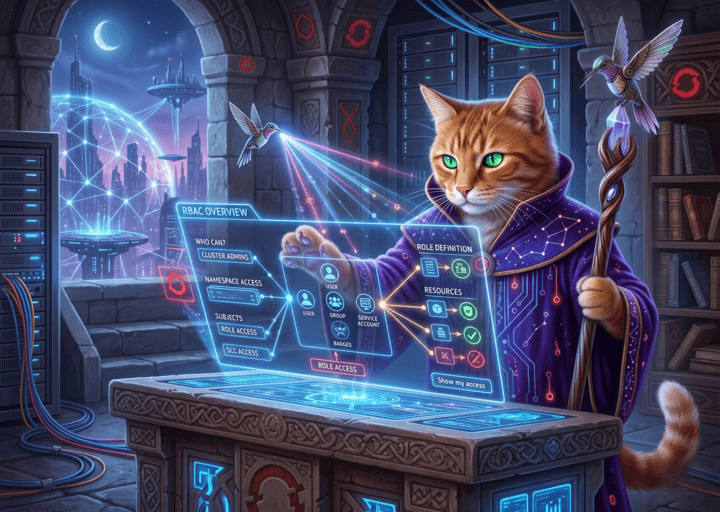
RBAC Overview — an OpenShift Console plugin
Answering the question "who can do what on this cluster?" usually means juggling oc commands, YAML dumps, and several console pages. RoleBindings live in namespaces, ClusterRoleBindings are cluster-scoped, OpenShift adds Users and Groups on top of Kubernetes subjects, and SecurityContextConstraints have their own authorisation model. For a quick audit before a change window, that is a lot of clicking and I always struggled to find a quick and reliable way to get and overview. For example, I always wanted to see immediately which users have cluster-admin rights or which service accounts are on the privileged SCC.
The RBAC Overview is a dynamic OpenShift Console plugin that pulls these views into one place. This article walks through what it does, how to install or test it, and how I use the tabs in practice. This open source plugin is available on GitHub

Creating an auditd rule to monitor Ansible Automation Platform static secrets
 Toni Schmidbauer
Ansible Automation Platform (AAP) comes with an elaborate credential management solution. All credentials within AAP are stored encrypted in a PostgreSQL database. But the keys used for encrypting database fields are currently stored on the machine(s) running AAP. In this blog post, we show we created an auditd rule to get at least some kind of monitoring if those keys are accessed.
Using a local Renovate bot to manage Ansible collection dependencies
We wanted to use renovate bot to automatically update collection dependencies for one of our Ansible playbook repositories. This blog post describes the basics of renovate, how we configured it and how we actually run renovate locally.
![image from [Ep.16] Tuning OpenShift GitOps for performance at scale](https://blog.stderr.at/gitopscollection/images/logos/ep-16-gitops.png)
[Ep.16] Tuning OpenShift GitOps for performance at scale
Argo CD is a powerhouse for GitOps. It is easy to get started with and helps you manage clusters and applications. As the number of clusters, applications, and repositories grows, performance can suffer: refreshes take longer, the UI may feel sluggish, and the experience turns frustrating.
This article is about performance tuning: which options exist, which scenarios matter, and which settings might help in your environment.
Creating a customized RHEL 10 VM image with image-builder
In the blog post Creating a RHEL 10 VM on macOS with bootc-image-builder we described how to quickly create a bootc (image mode) base image on macOS. Now we would like to create a customized standard RHEL image.
Creating a RHEL 10 VM on macOS with bootc-image-builder
Yes, we have Apple machines in our lab because why not. So we needed a RHEL 10 VM to set up Ansible Automation Platform, which seems to support AARCH64 and Red Hat Enterprise Linux 10.
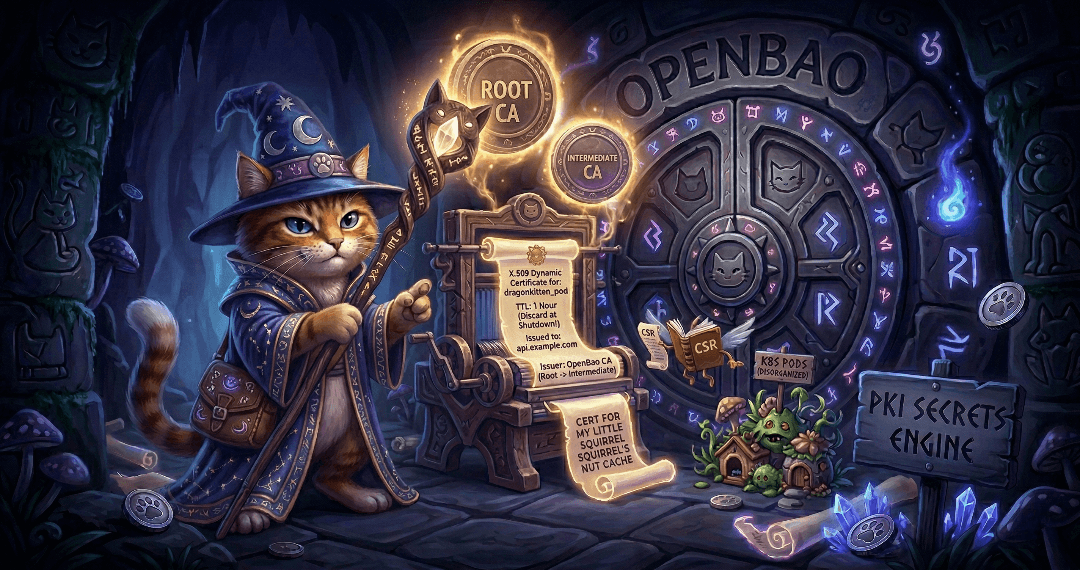
The Guide to OpenBao - Secrets Engines PKI - Part 9
Secrets engines are one of the most important concepts in OpenBao. Part 8 covered the KV secrets engine; this article covers the PKI secrets engine and its integration with cert-manager on Kubernetes and OpenShift.
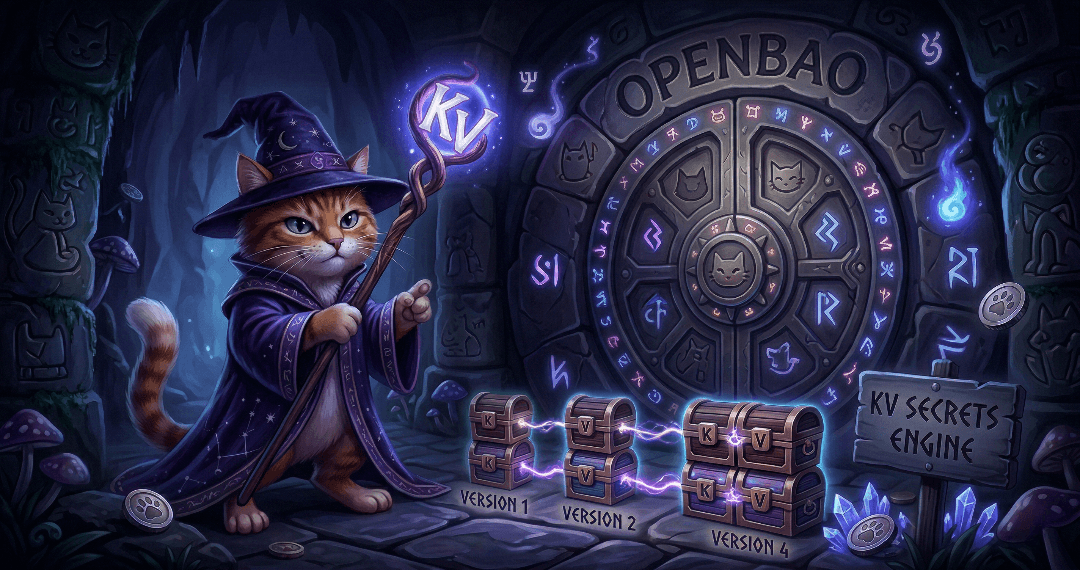
The Guide to OpenBao - Secrets Engines KV - Part 8
Secrets engines are the heart of OpenBao’s functionality. They store, generate, or encrypt data. This article covers the most commonly used secrets engine: KV for static secrets. It will demonstrate how to use the KV secrets engine to store and retrieve secrets. Upcoming articles will cover the PKI secrets engine and the integration with cert-manager.

The Guide to OpenBao - Authentication Methods - Part 7
With OpenBao deployed and running, the next critical step is configuring authentication. Ultimately, you want to limit access to only authorised people. This article covers two common authentication methods: Kubernetes for pods and LDAP for enterprise directories (in a simplified example). There are many more methods, but we cannot cover them all in this article.

The Guide to OpenBao - Initialisation, Unsealing, and Auto-Unseal - Part 6
After deploying OpenBao via GitOps (Part 5), OpenBao must be initialised and then unsealed before it becomes functional. You usually do not want to do this unsealing manually, since this is not scalable especially in bigger, productive environments. This article explains how to handle initialisation and unsealing, and possible options to configure an auto-unseal process so that OpenBao unseals itself on every restart without manual key entry.

Onboarding to Ansible Automation Platform with Configuration as Code
We had the honor of presenting at the 2nd Ansible Anwendertreffen in Austria. The topic was the onboarding of application teams to the Ansible Automation Platform.

The Guide to OpenBao - GitOps Deployment with Argo CD - Part 5
Following the GitOps mantra "If it is not in Git, it does not exist", this article demonstrates how to deploy and manage OpenBao using Argo CD. This approach provides version control, audit trails, and declarative management for your secret management infrastructure.

The Guide to OpenBao - Enabling TLS on OpenShift - Part 4
In Part 3 we deployed OpenBao on OpenShift in HA mode with TLS disabled: the OpenShift Route terminates TLS at the edge, and traffic from the Route to the pods is plain HTTP. While this is ok for quick tests, for a production-ready deployment, you should consider TLS for the entire journey. This article explains why and how to enable TLS end-to-end using the cert-manager operator, what to consider, and the exact steps to achieve it.
Copyright © 2020 - 2026 Toni Schmidbauer & Thomas Jungbauer